
One organization
Your company is set up once: its country, its currency, its locations and its structure. Every product reads the same setup instead of asking again.
The Logpagia platform
A family of business tools built around your organization, with a clear place for your people, daily work and customer relationships.
How the parts fit
Set up your organization and invite the people in it. Locations, positions and reporting lines reflect the way your team already works.
Keep customer relationships in CRM, financial records in Accounting and team conversations in Spaces. Learn each product's workflow before bringing in the next team.
Product access and permissions decide what each person can see and do. Everyone sees the records their role allows, and each team keeps its own approvals.
Around your organization
Your people, their time, their pay, your customers, your agreements and your books all belong to the same organization. The same person has the same profile and the same permissions in every product, so there is nothing to sync and nothing to type twice. Choose a product to see what it does.
Payroll turns each employee's pay details and approved timesheets into a pay run you can review line by line. A second person approves it, every pay change records who made it and why, and employees open their payslips in Logpagia.
What every product shares
Every product reads the same organization, people and permissions. Products connect through defined handoffs, and each one keeps its own records.
Your company is set up once: its country, its currency, its locations and its structure. Every product reads the same setup instead of asking again.
Each person has one profile, one position and one reporting line. When someone accepts an offer, their employee record is created from it.
Every organization starts with Admin and Employee. Other roles are built from templates. Managers see and approve for the people who report to them.
Every change to someone's pay records who made it, what changed and why. Sign-ins are logged, and completed signature requests keep their evidence.
Customer records live in CRM, the books in Accounting, agreements in Contracts. They connect through links you can see, and each record stays in the product that owns it.
Choose your starting point
See what each product does and how it is set up. Add the next workflow when your team is ready for it.
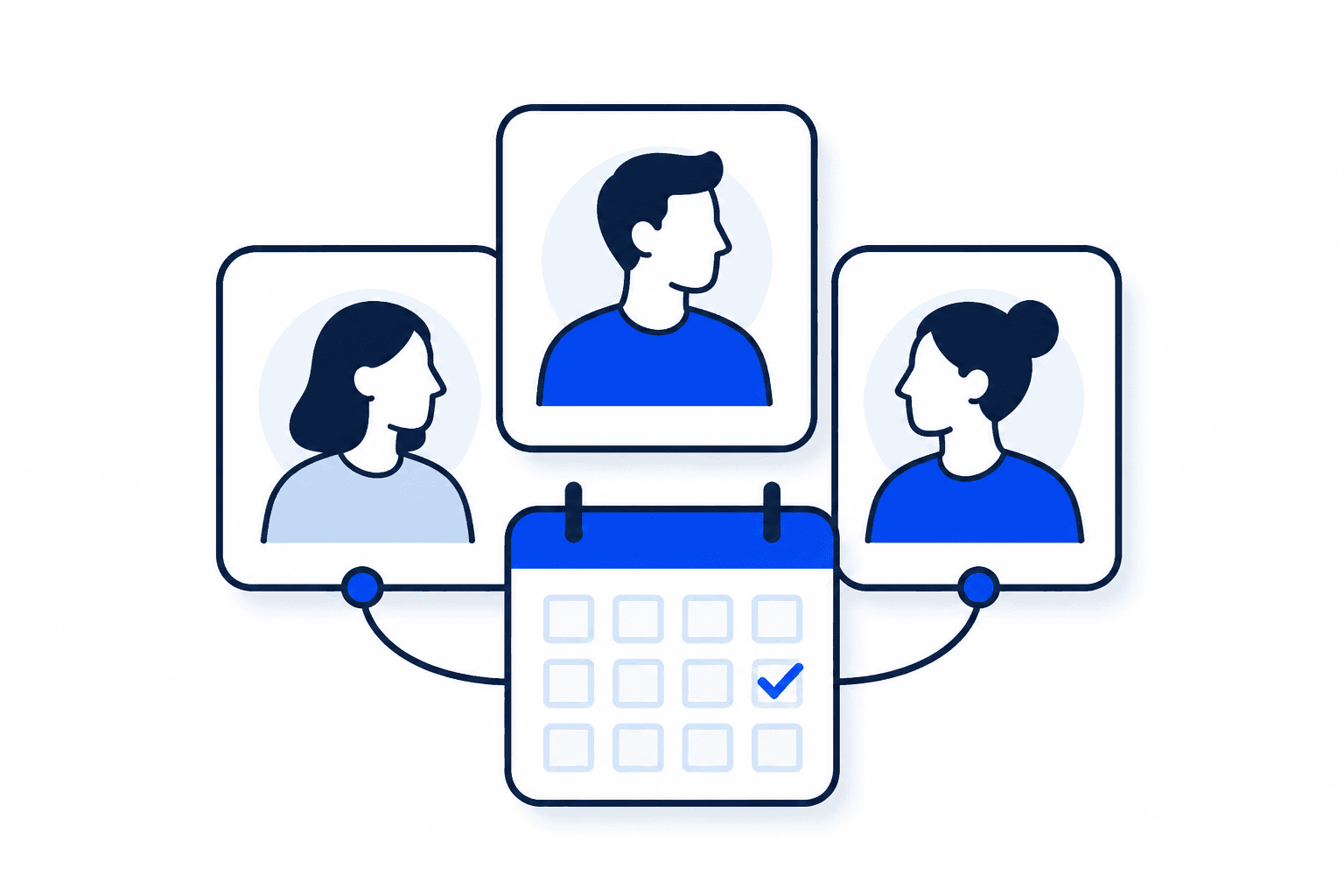
People, daily work and the details your team depends on.
Customer relationships and financial work, with a place for each.

Agreements, signatures and reviews, with clear responsibilities.
Start with one real workflow, name its owner and check what the employee and the reviewer each see.
Getting startedKnow the difference between a built-in handoff, an outside service you configure and a file you import.
Explore integrationsSee how access, organization boundaries and sensitive records are handled.
Explore securityStart your workspace and give your team a clearer way to work.