
Find the context you need
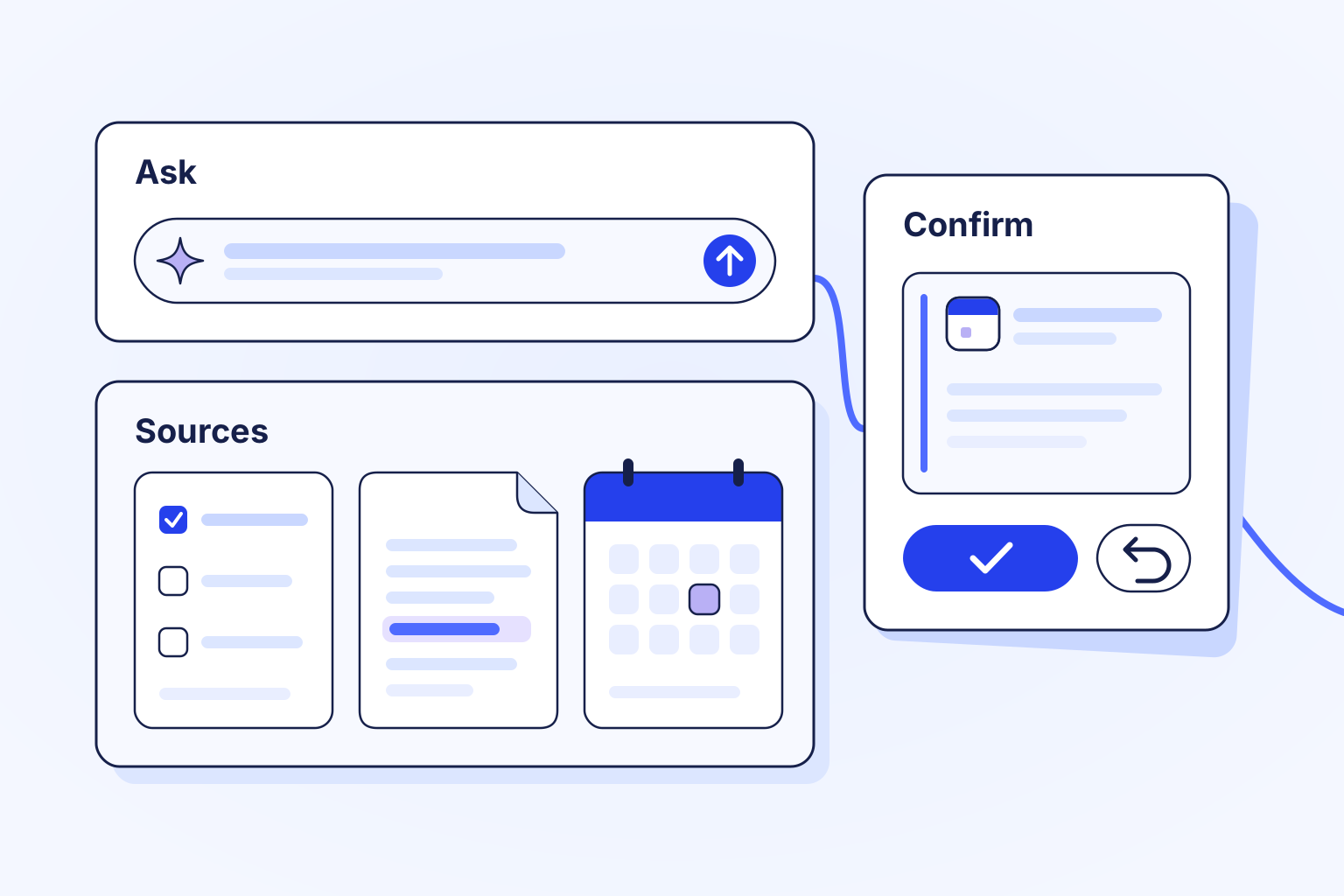
Ask about your own tasks, calendar and daily work, or find documents and business records you can access. Sources stay within the products and permissions available to you.
Pagia
Pagia helps you find the right records, draft useful content and handle everyday tasks inside Logpagia, within the access your organization gives you.
Inside Pagia
Work together
Ask about your own tasks, calendar and daily work, or find documents and business records you can access. Sources stay within the products and permissions available to you.
Draft a document, break a task into subtasks, or summarize a selected Spaces conversation. A suggested Spaces reply stays a draft for you to review and send.
Create or update your own tasks and reminders, or review a proposed daily-work entry, calendar event or private document before confirming it.
Assistance, with clear boundaries
Pagia answers, drafts and acts in clearly different ways. Check the mode and the result before you move on.
Ask mode reads, answers and drafts, and leaves your workspace records as they are.
When actions are on, Pagia creates or updates your own tasks, adds subtasks and sets your own reminders straight away. Review the result, and use Undo when you want to reverse it.
Daily-work entries, calendar events and private documents wait for your confirmation. A drafted Spaces reply waits for you to send it. Your existing access rules apply throughout.
A request can send your prompt, and only the records you are allowed to see, through an outside AI service to the providers your organization has set up. Each provider has its own rules, so this is not a promise of zero retention or of processing in a particular country. Review your organization's current in-app AI notice before use.
Open Pagia in your organization and describe the task. Select a relevant record or conversation when the request needs its context; your access is checked before it is used.
Check the response against the records it references, and refine the request when you need more. Share confidential information only when you are authorized to process it.
Use Ask mode when you want help without changing anything. When actions are on, changes to your own tasks offer Undo, and every other supported action asks for confirmation before it happens.
Pagia works within your access, acts on your own tasks, and asks you to confirm other supported actions. It does not autonomously run payroll, move money, make hiring decisions, sign agreements or change access permissions. AI responses can be wrong, so check important results. What Pagia can do depends on your organization's settings and the AI providers it has enabled.
Explore the related work
Bring your team and the work that matters into one workspace.