
Separate tools and lost context
- The same details typed into several separate applications
- Approvals buried in email or chat, hard to find later
- Access granted case by case and hard to review
For healthcare providers
Open RevMind 360 for claims, denials, payer follow-up and collections from Health, with your Logpagia account.
The everyday scenario
Your billing team works claims and denials every day, and a separate system means separate users and passwords to manage. Manage your organization and people once in Logpagia, and give the billing team the Health role to open RevMind 360 with the account they already use.
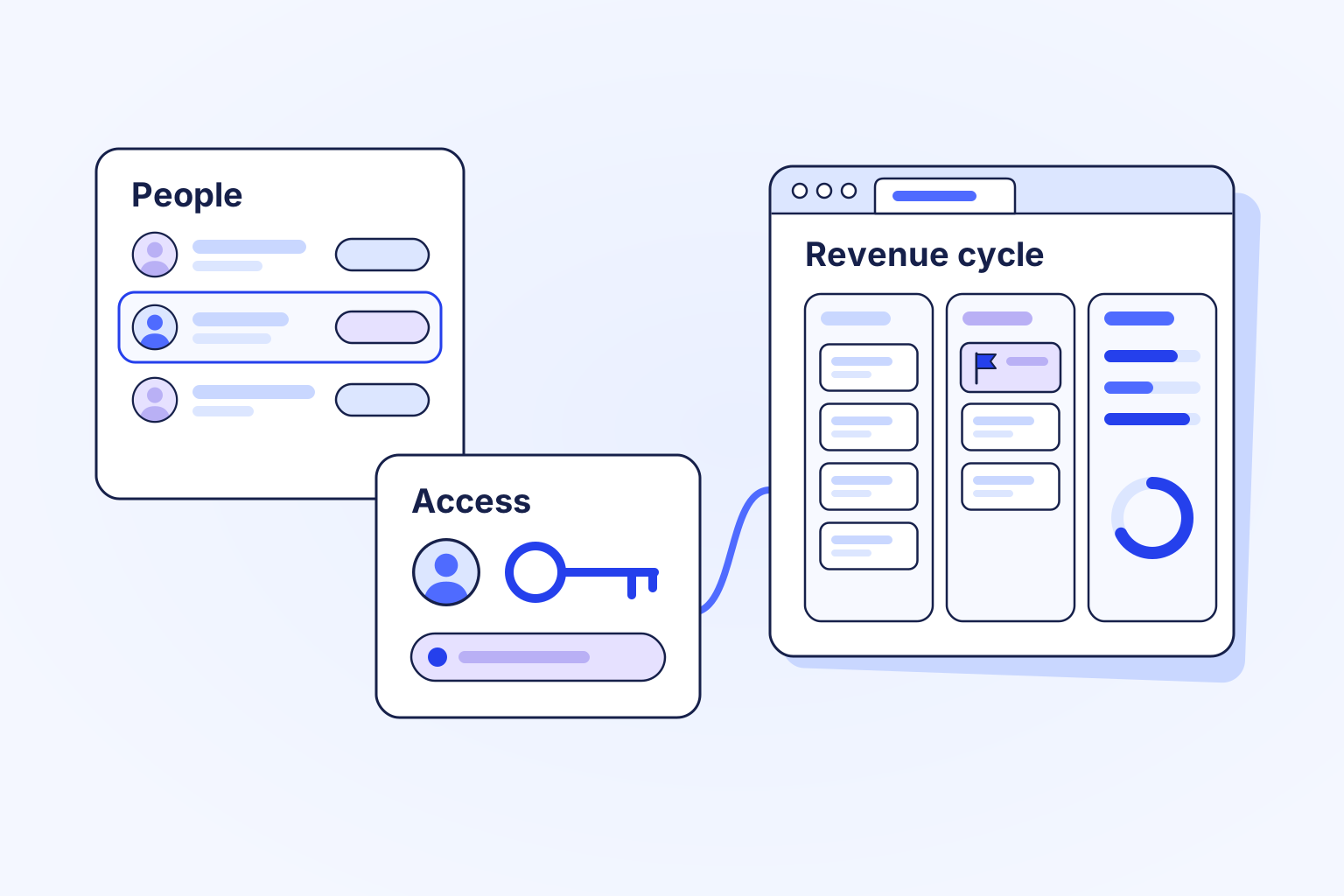
The handoff, step by step
Keep your locations, people and roles in Logpagia, where the rest of the organization already works.
An administrator grants the Health role to the people who work claims, denials and collections.
The first launch creates your organization's RevMind workspace and signs the person in. Later launches open it directly.
Health opens connected healthcare applications with a Logpagia sign-in. Clinical records and medical decisions stay in the clinical systems your providers use.
What changes
Fewer places to look, fewer things typed twice, and approvals you can find later.
Tools for this workflow
Give your team a shared place to move the work forward.